How Can We Help?
How to Integrate Zapier with Aninja AI for Automated Lead Creation
Zapier is a powerful automation tool that can streamline your workflow by connecting different apps. In this guide, we’ll walk you through how to integrate Zapier with Aninja AI, allowing you to automatically push leads from platforms like Zapier Tables and Google Sheets to Aninja.
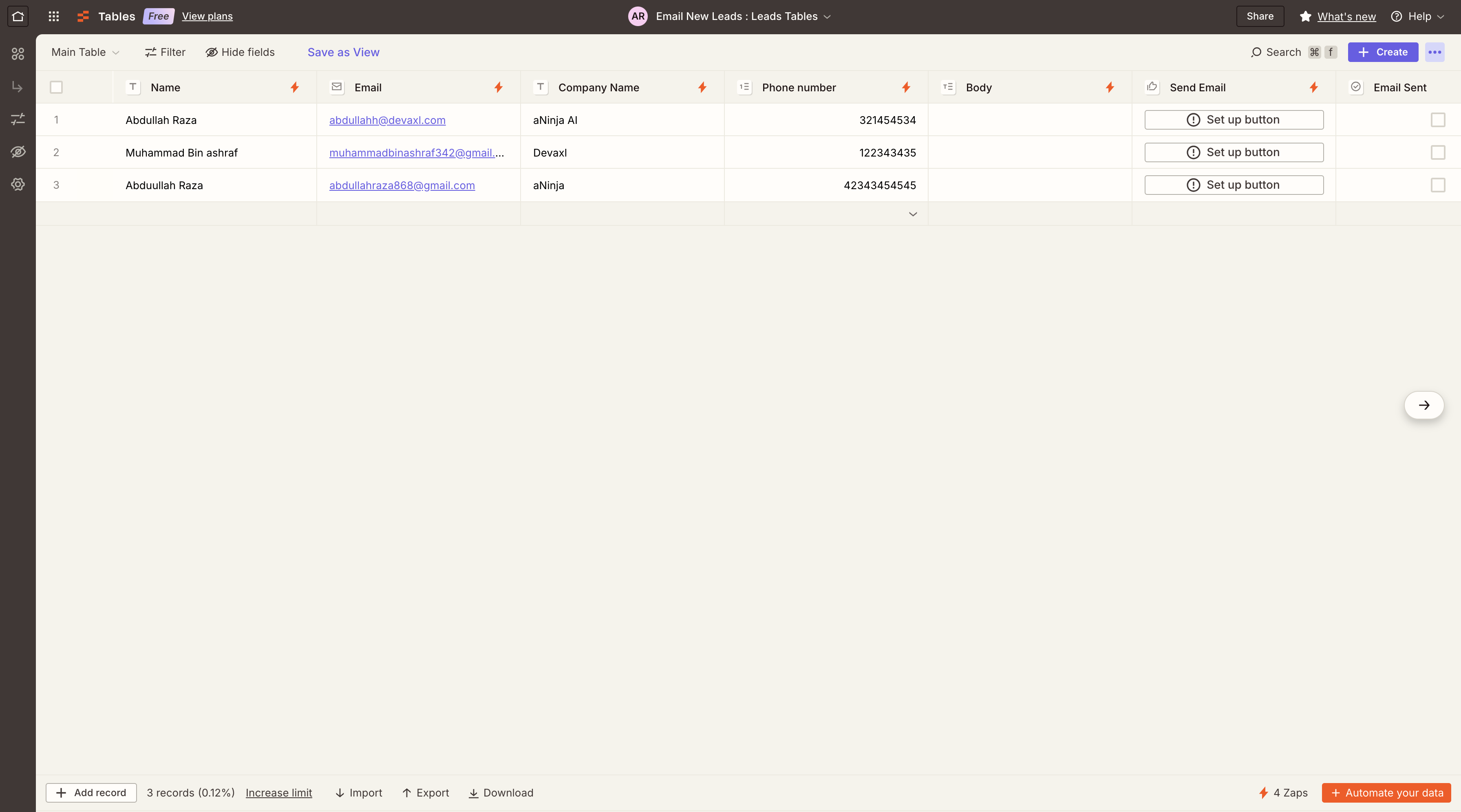
Step 1: Set Up Your Zapier Table
First, create a table in Zapier Tables and add some test data to it.
Step 2: Create a New Automation (Zap)
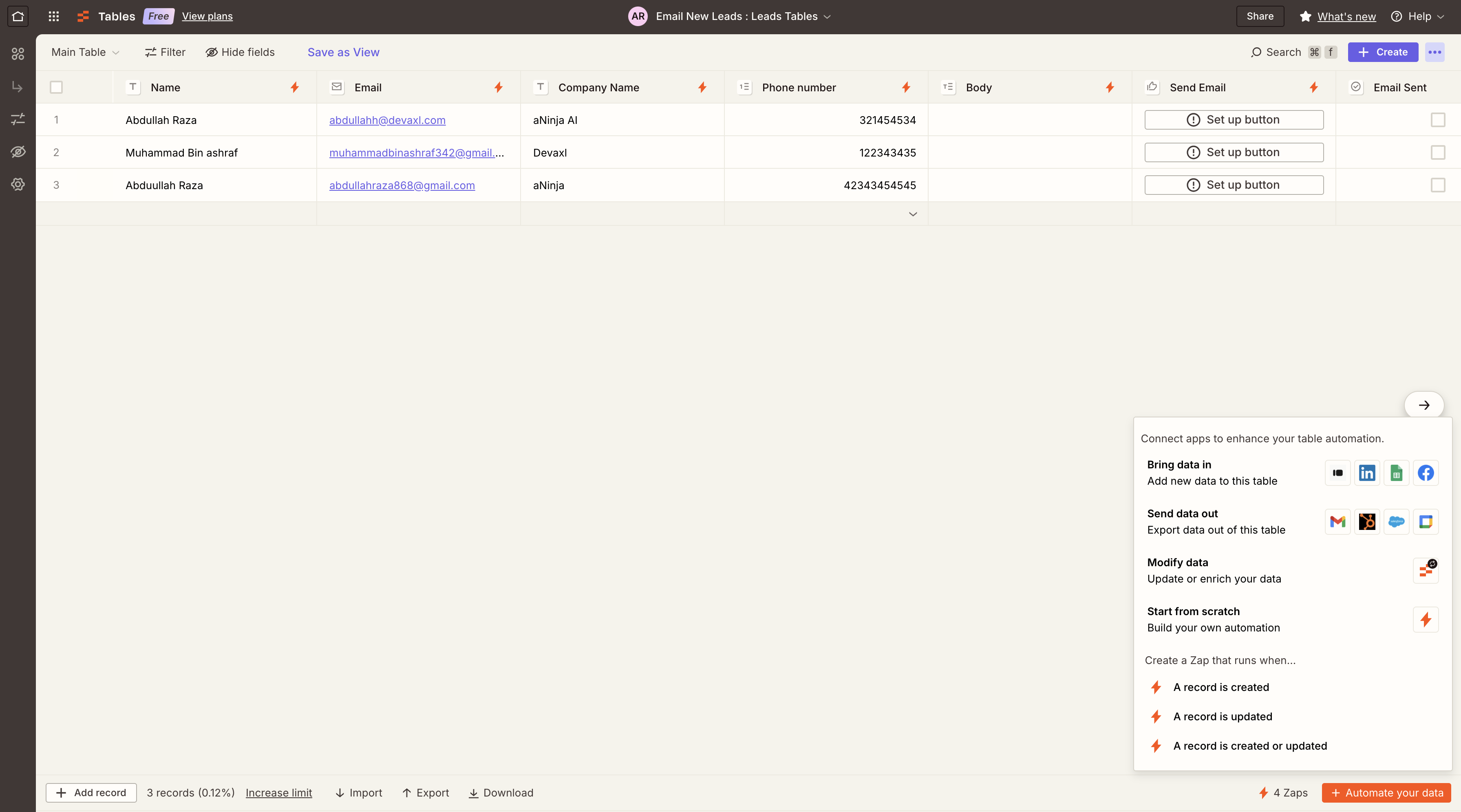
- Click on the automation button located at the bottom right of the Zapier Tables interface.
- Choose the trigger event: “A record is created.”
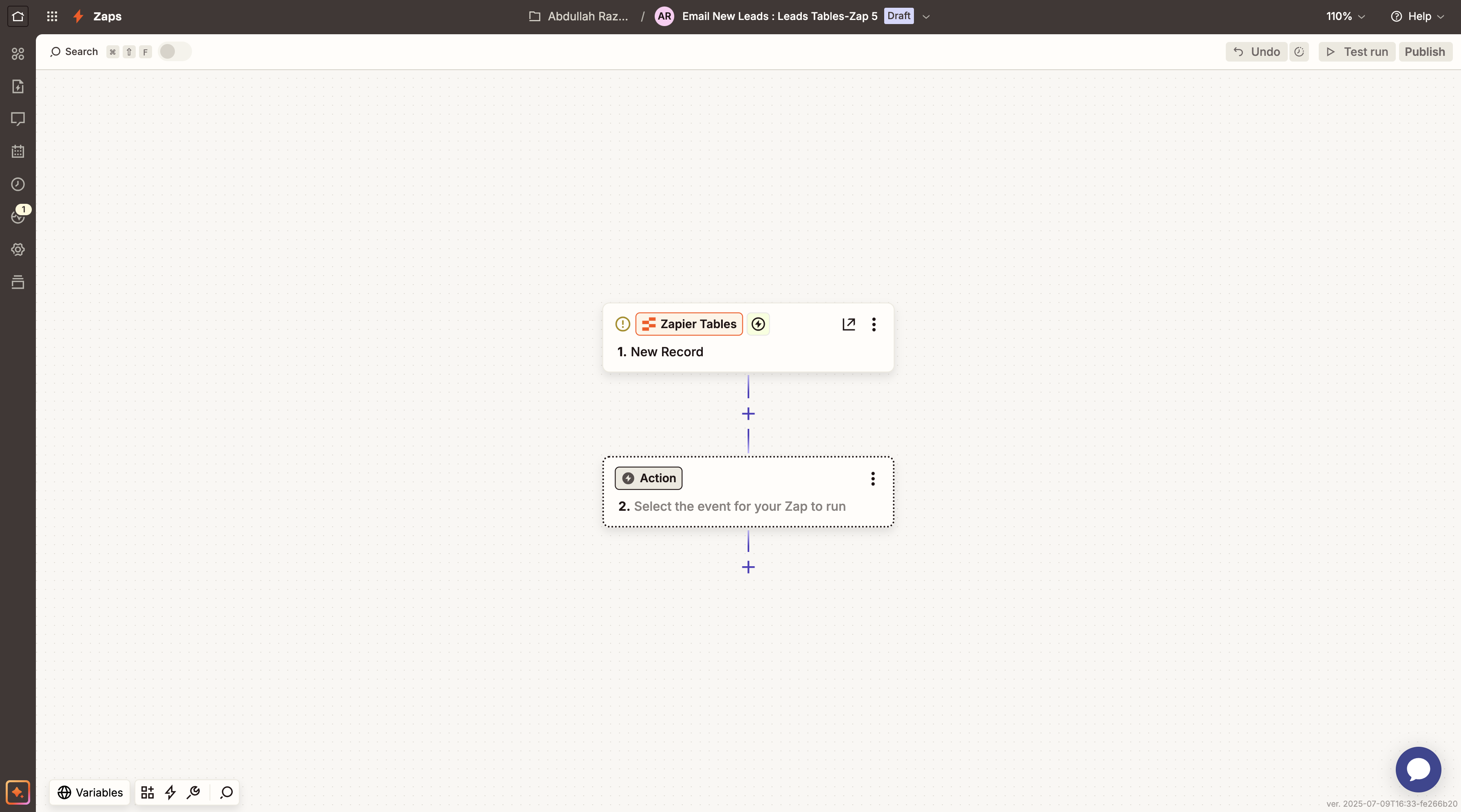
- Zapier will prompt you to create a new Zap using this trigger.
Step 3: Configure Webhook to Connect Aninja
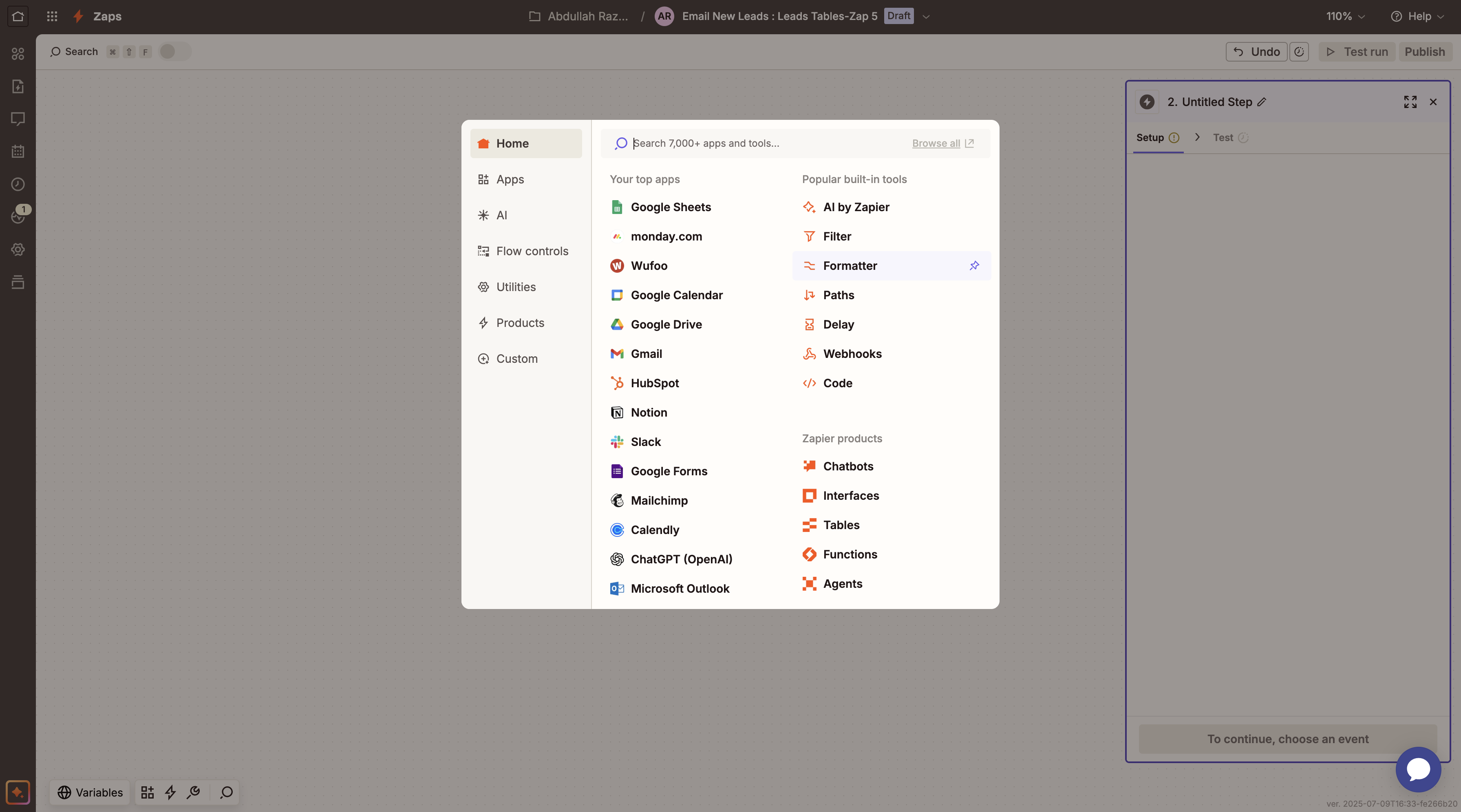
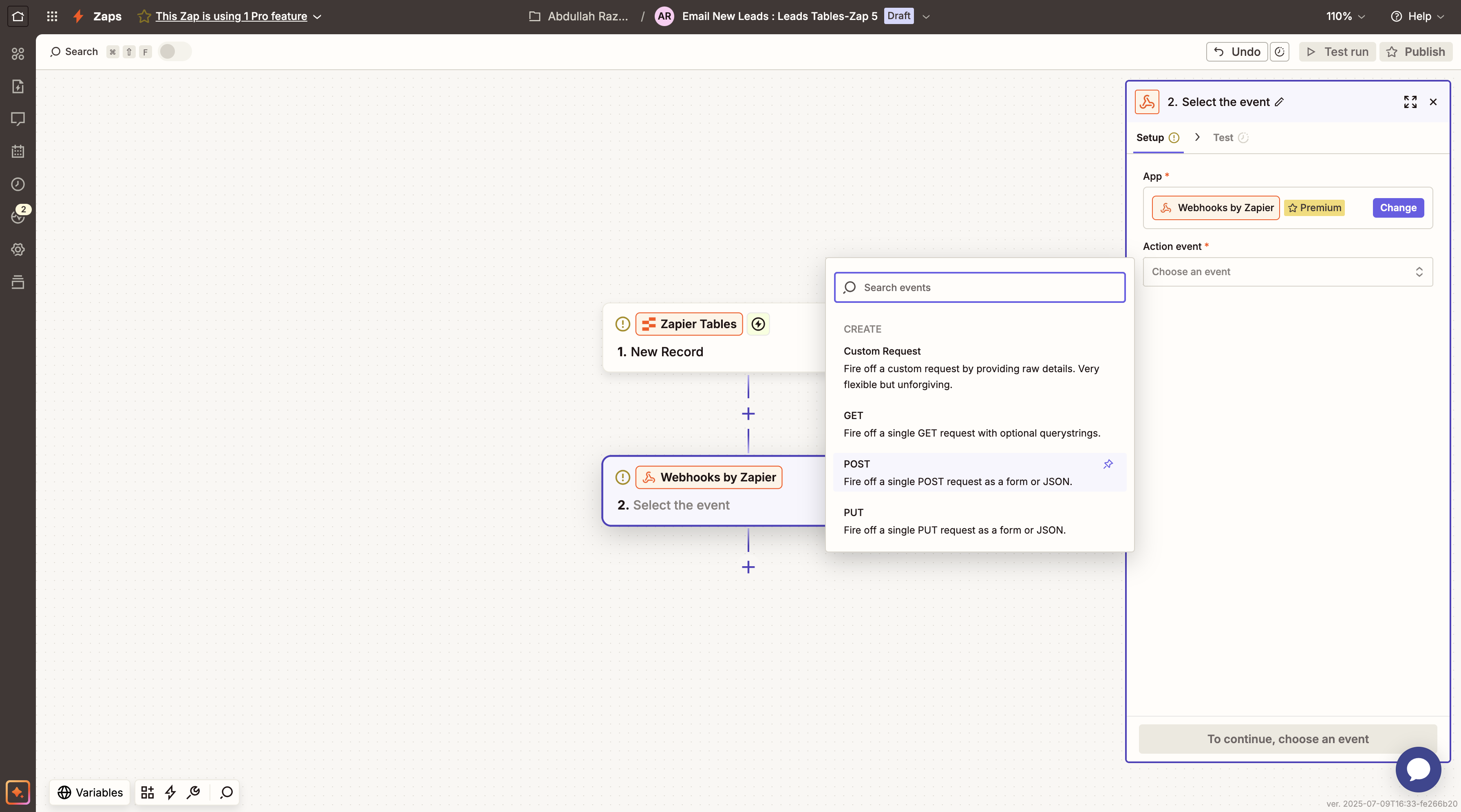
- In your new Zap, add an action and search for Webhooks by Zapier.
- Choose the POST method as the action event and continue.
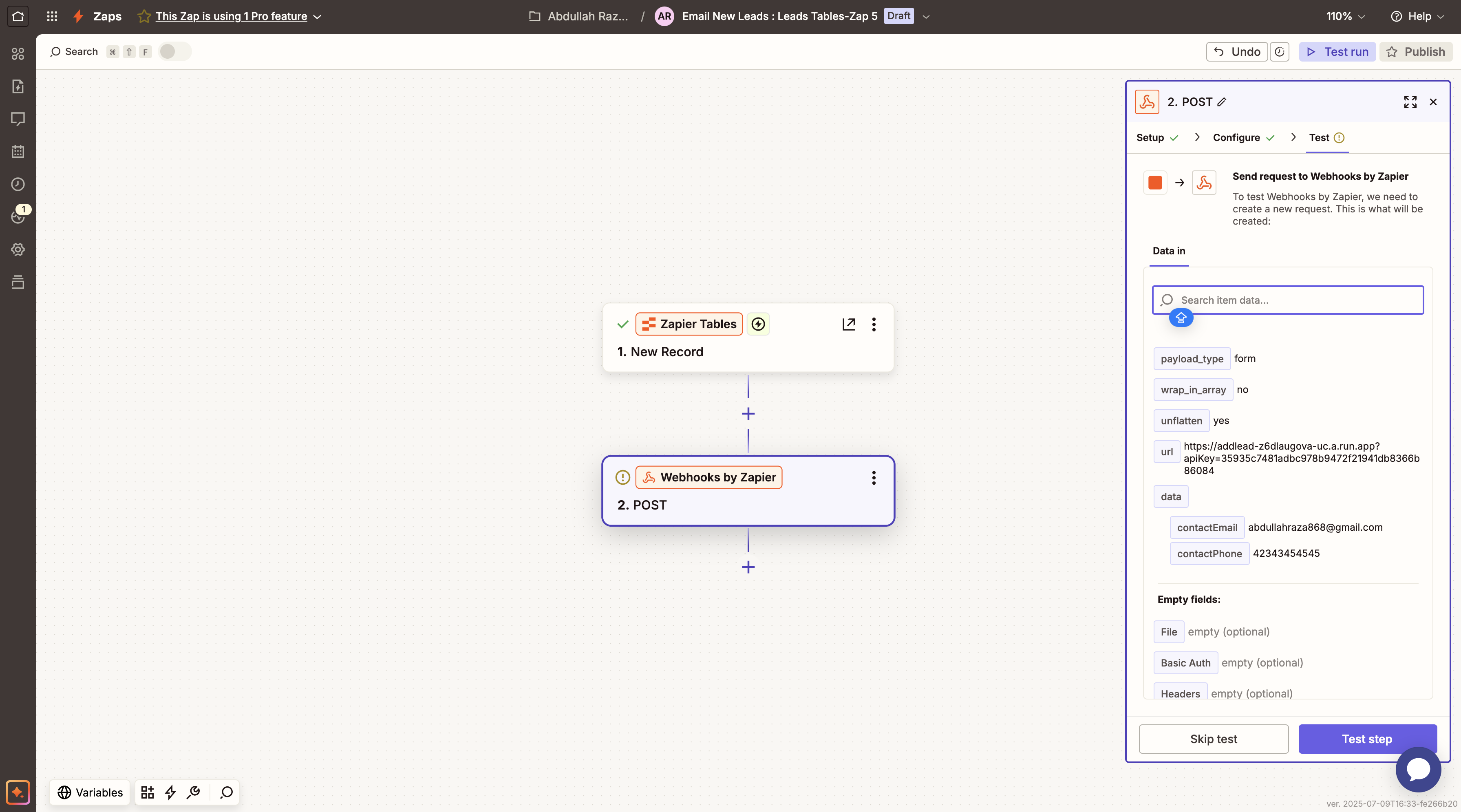
- Paste the Aninja API URL into the URL field.
Step 4: Add API Key and Payload
- Append your API key to the URL using the format:
`?apikey=YOUR_API_KEY` - Set the Payload Type to `JSON`.
- Add the corresponding field mappings:
- `contact_email` → email
- `contact_name` → name
- `contact_phone` → phone number
- `company_name` → company name
Step 5: Test Your Integration
Step 6: Publish the Automation
Once the test is successful, click Publish to activate the Zap. From now on, any new record in your Zapier Table will automatically create a lead in Aninja AI.

Bonus: Connect Google Sheets Instead of Zapier Tables
Zapier also supports integrations with Google Sheets, offering flexibility beyond Zapier Tables.
- Create a new Zap and select Google Sheets as your trigger app.
- Choose “New Row Added” as the trigger event.
- Connect your Google account and select your spreadsheet and worksheet.
- Follow the same webhook setup steps as before to send the data to Aninja AI.
Conclusion
This integration allows you to automatically sync leads from various sources like Zapier Tables or Google Sheets into Aninja AI—saving time, reducing manual errors, and helping you act on new leads faster.
If you’re looking to streamline your lead management workflow, this Zapier–Aninja AI combo is a great place to start.