How Can We Help?
Launching Text Sequences
Launching text sequences means sending automated, pre-scheduled text messages to one or more leads using aNinja’s text automation system. These messages use pre-written text templates organized into sequences.
Before sending, make sure your content complies with SMS regulations to avoid deliverability issues or spam flags.
You can launch a text sequence to a single lead, a group of leads, or all leads at once.
Creating Text Sequences
- Start by creating your text templates.
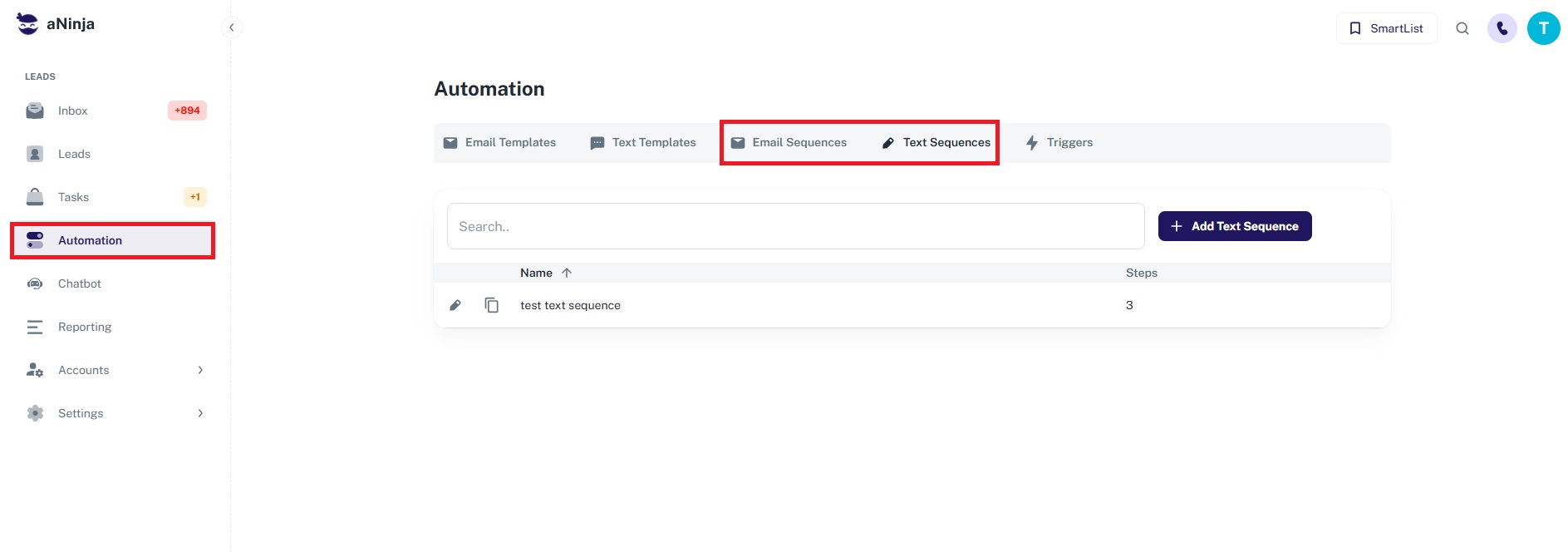
- Then go to Settings > Automations > Text Sequences.
- Create a new sequence and set your timing options.
Launching a Text Sequence to a Single Lead
To launch a text sequence to an individual lead:
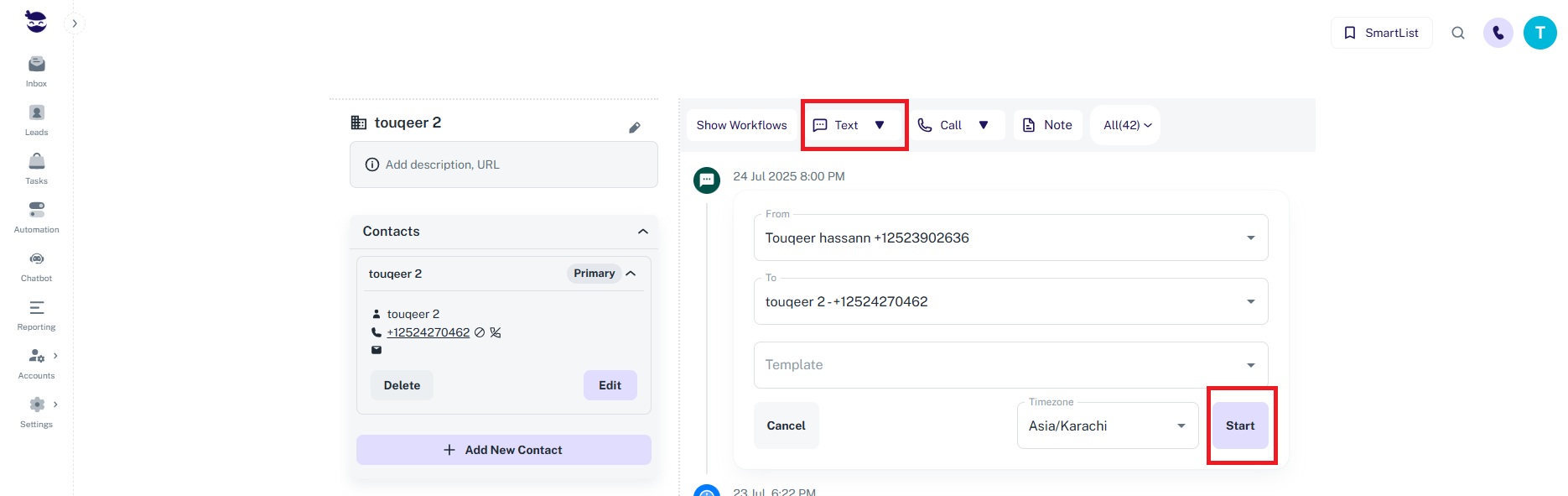
- Go to Leads and open the desired lead record.
- Click on the Text Sequence button within the lead view.
- Configure and launch the sequence from there.
Launching a Bulk Text Sequence
To send a text sequence to multiple leads:
- Go to Leads View from the left sidebar.
- Click the Bulk Text button at the top, slightly to the right.
- This will apply the seq